
How to Adjust an Ergonomic Office Chair: A Beginner's Step-by-Step Guide
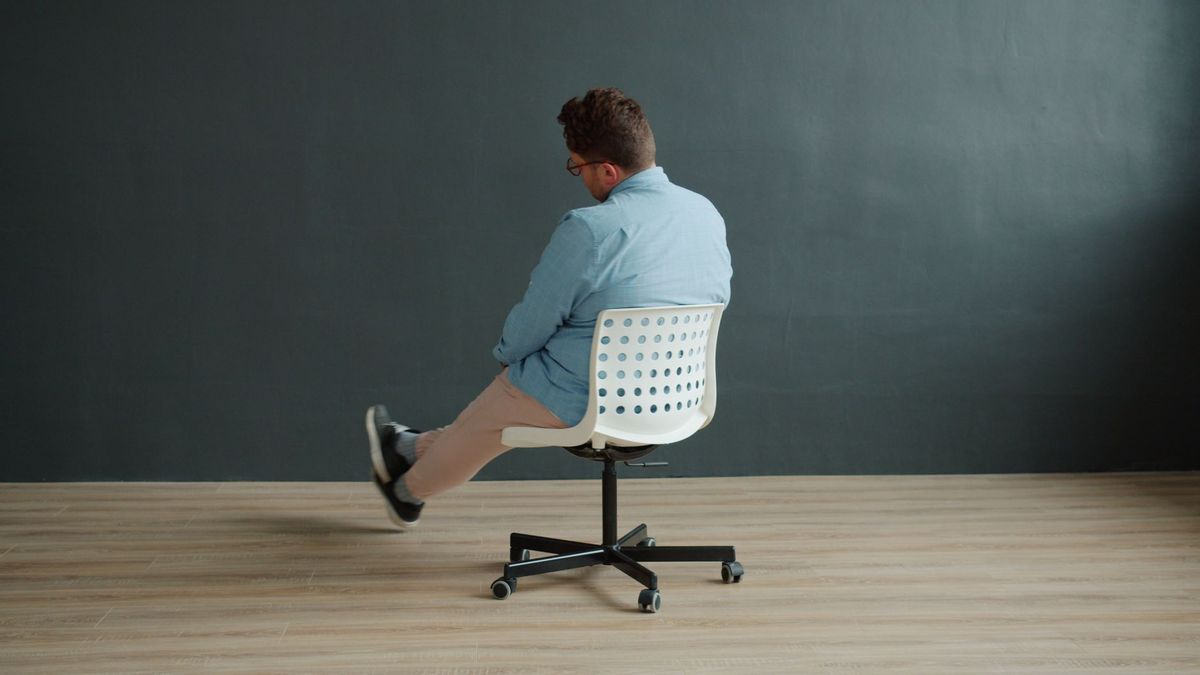
Most office chairs fail not because they're badly built but because nobody ever adjusted them. The levers stay where the delivery driver left them, the backrest sits in the wrong spot, and a year later the chair gets blamed for the aches. Ten minutes with this guide will sort out the bulk of it. Work through the five steps in order, because each one changes the measurements for the next.
Before you start
Find out what each control actually does before you change anything. On a typical task chair you'll find a paddle under the seat for height, a slider or second lever for seat depth, a knob for backrest angle and another for tension, a lumbar pad that moves up and down, and buttons beneath each armrest.
Naming them out loud sounds daft, but it stops you yanking the wrong one halfway through a meeting. Do the whole setup at your actual desk, and wear the shoes you normally work in — a couple of centimetres of heel changes every number you're about to set.
Step 1: Set the seat height
Height comes first because everything else is measured from it. Sit properly — bottom back in the seat, not perched on the front edge — and adjust until your feet are flat on the floor and your thighs are roughly level, or sloping very slightly down towards the knees. Your hips should be at or just above knee height.
The test that matters is at the desk. Let your shoulders hang loose and bend your arms to about 90 degrees. Your forearms should sit level with, or a fraction above, the desk surface. If you raise the seat to reach that position and your feet end up dangling, keep the height and add a footrest. A footrest is the correct fix, not a compromise: feet flat is the goal, and it counts for more than shaving a centimetre off your desk.
If the range doesn't fit you
Some chairs simply don't go low enough for shorter users, and some desks are fixed at a height that suits nobody. If you end up with a choice between sore feet and sore shoulders, prioritise your feet and legs. A footrest, a lower desk or a height-adjustable desk converter will usually solve it.
Step 2: Sort the seat depth
Seat depth is how far the pan reaches behind your knees, and it's usually the adjustment nobody touches because the lever hides under the front edge of the seat.
Slide the pan forward or back until you can fit two or three fingers between the back of your knee and the front edge of the seat. Too deep and the edge presses behind your knees, which tips you forward into a slump. Too shallow and your weight lands on a smaller patch, which shows up as an achy, restless feeling after an hour or so.
No depth slider on your chair? A firm lumbar cushion moves your back forward on the seat and effectively shortens the pan. It's a workable compromise rather than a perfect one, but it's better than living with a seat that's the wrong size.
Step 3: Position the lumbar support
This is the one people tend to overdo. Cranking the lumbar pad out until it feels like a fist in your spine isn't support; it's just pressure in a different place.
The pad should sit in the inward curve of your lower back, roughly level with your belt line or a hand's width above it. For most people, height matters more than depth: get the pad into the small of your back first, then adjust how far it protrudes until you feel gentle contact. Lean back and relax — if you can let go and stay supported without holding yourself upright, it's in about the right spot.
Plenty of chairs have no adjustable lumbar pad at all. A small cushion or a rolled towel tucked into the base of the backrest does the job. You're filling the gap between your back and the chair, not creating a new curve.
Step 4: Adjust the armrests
Armrests should carry your forearms, not your body weight. Set the height so your shoulders drop and your elbows rest at roughly 90 degrees. If you have to lift your shoulders to reach the pads, they're too high. If you're leaning sideways to find them, they're too wide.
Then check the thing most people miss: with the armrests in place, can you still pull your chair close enough to the desk that your forearms are supported by the desk while you type? If the armrests collide with the desk edge, lower them or swing them out of the way. Hovering your arms over a keyboard for hours is worse than having no armrests at all.
Step 5: Set the recline and tension
Sitting bolt upright at 90 degrees all day isn't the goal, whatever the furniture catalogues suggest. A slight recline, so your back rests against the backrest instead of fighting it, is far easier to hold.
Loosen the angle adjustment, lean back to somewhere comfortable and set it so you're supported without reclining like a deckchair. Then find the tension knob, usually underneath the seat at the front. Turn it until you can lean back with gentle effort and the chair brings you forward again without flinging you.
If your chair locks upright, try leaving it unlocked for part of the day. Small movements add up. Prefer a locked setting for concentrated work? That's fine too — just change position regularly rather than staying put for hours.
The five-point check
- Feet: flat on the floor or a footrest, thighs level, nothing pressing behind the knees.
- Desk: forearms level with the surface, shoulders relaxed and down.
- Back: lower back in contact with the lumbar pad, supported rather than pushed.
- Arms: elbows near 90 degrees, resting lightly on the armrests or the desk.
- Movement: the chair follows you when you lean back and returns without a fight.
Adjust as the day goes on
Your settings aren't a one-off job. Posture drifts, and a chair that felt perfect at nine in the morning can feel wrong by three. If you share a desk, note your numbers on a sticky note or mark the gas lift with a dab of nail varnish so you can find your position again in seconds.
Re-check everything after a change of shoes, a desk move or a new monitor. And if you're getting persistent pain in your back, neck or wrists, see a GP or physiotherapist rather than assuming a better chair will fix it. A well-adjusted chair supports good posture; it can't undo nine hours of sitting still. Stand up, move about, and come back to it.
Photo: Vitaly Gariev / Pexels